 WZone Admin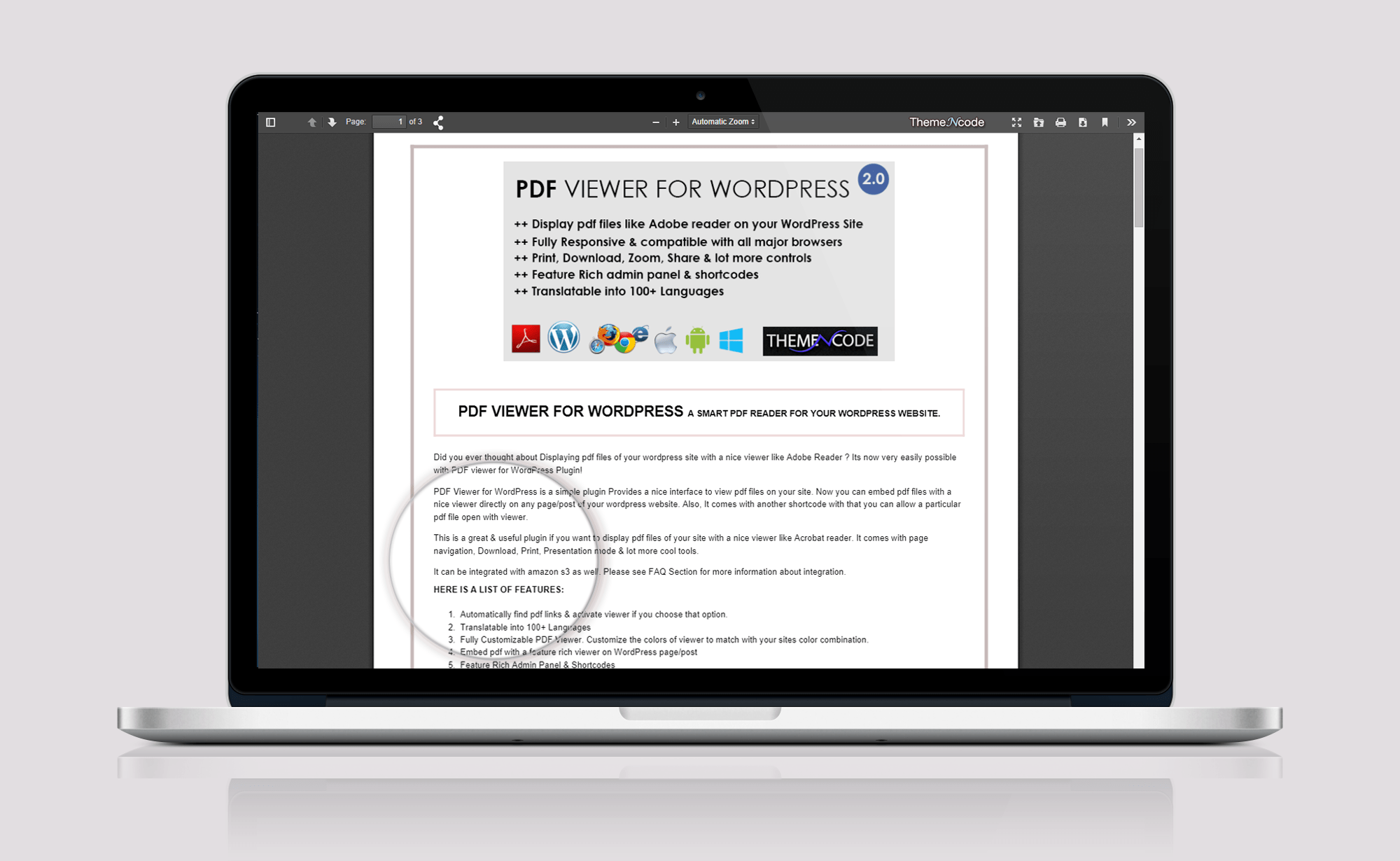
pdf html
PDF files are usually used to publish scientific journals, papers, theses, tutorials, proposal, invoice payment and so forth. So it is very effective if a web page can directly display PDF files without the need to display a request to download first.
Displaying PDF file in HTML web pages can also be useful for people who want to make the library's website for example.
How to display PDF files to HTML
We can display PDF files easily on the web page by doing embed in HTML, here's how short.
Simply create an html file with the name index.html.
Then write a script like this
<!DOCTYPE html>
<html lang="en">
<head>
 <meta charset="UTF-8">
 <title>How to display PDF files on web pages with html (EMBED)</title>
</head>
<body>
 <embed src="FILE_LOCATION.pdf" width="550" height="600"> </embed>
</body>
</html>


facebook
twitter
google+
fb share